 Minecraft Launcher
To install Adrenaline or Additive on the Minecraft launcher, you can use the Additive installer.
Can't open? Try running java -jar additive-installer-1.1.0.jar in a terminal. You need Java.
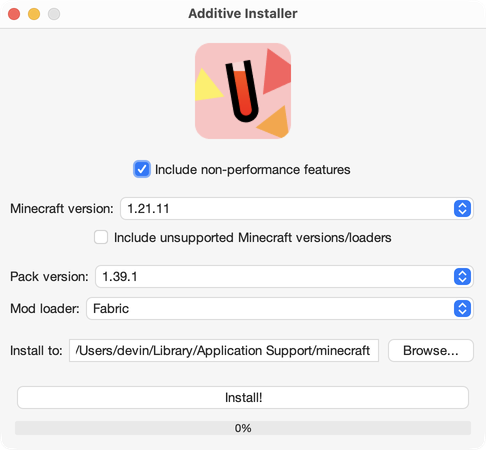

Minecraft Launcher
To install Adrenaline or Additive on the Minecraft launcher, you can use the Additive installer.
Can't open? Try running java -jar additive-installer-1.1.0.jar in a terminal. You need Java.


 Prism Launcher, Modrinth App, etc
To install Adrenaline or Additive on third-party launchers, read Modrinth's documentation.
This is the recommended installation method if you plan on managing extra mods alongside Adrenaline or Additive.
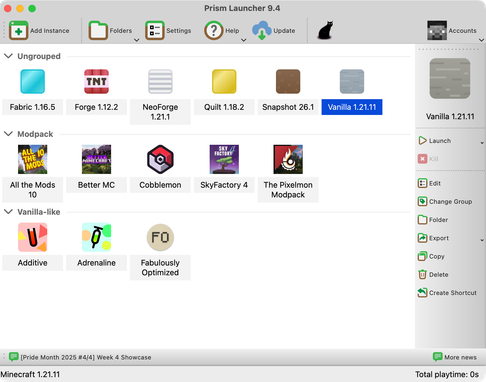
Using a Steam Deck? You can install Additive on there! This may also work similarly on other handhelds, but I haven’t tested. First we’ll install Prism Launcher, and then install the modpack.
X to open the keyboard.Prism is now installed. Now, we can install the pack.
STEAM + X together to open the keyboard. Then, search for “Additive”.If you would like to improve performance even more, after installation, see post-install.